Everything You Need to Make a Digital Planner in Affinity Publisher!


Do you want to be an Affinity Publisher planner creator but your totally confused on how to use Affinity Publisher? 


Affinity Publisher Basics for Digital Planners is here to help you take one step forward into totally easy street.

Learn how to use Affinity Publisher so you can make a digital planner.

 
Start at the Beginning!

No experience required.  The videos walk through each aspect of Affinity Publisher that you need to make digital planners and understand data merge.
Don't Let The Software Hold You Back. With these short easy to follow videos you can learn just what you need to make a digital planner.

Michelle Thomas, Your Tech Angel

I'm a software engineer and business process engineer by day and a blogger, creator, wife, mom and crazy dog lady by night.  

I have been teaching tech to women since I was 15ish, and I love helping women use tech to acquire freedom.  

I am a certified technical trainer, and software engineer that is actually able to talk to real people that just don't get tech.  

I can help you do things faster, smarter, and easier with tech, even if you are a technophobe.
What's Included
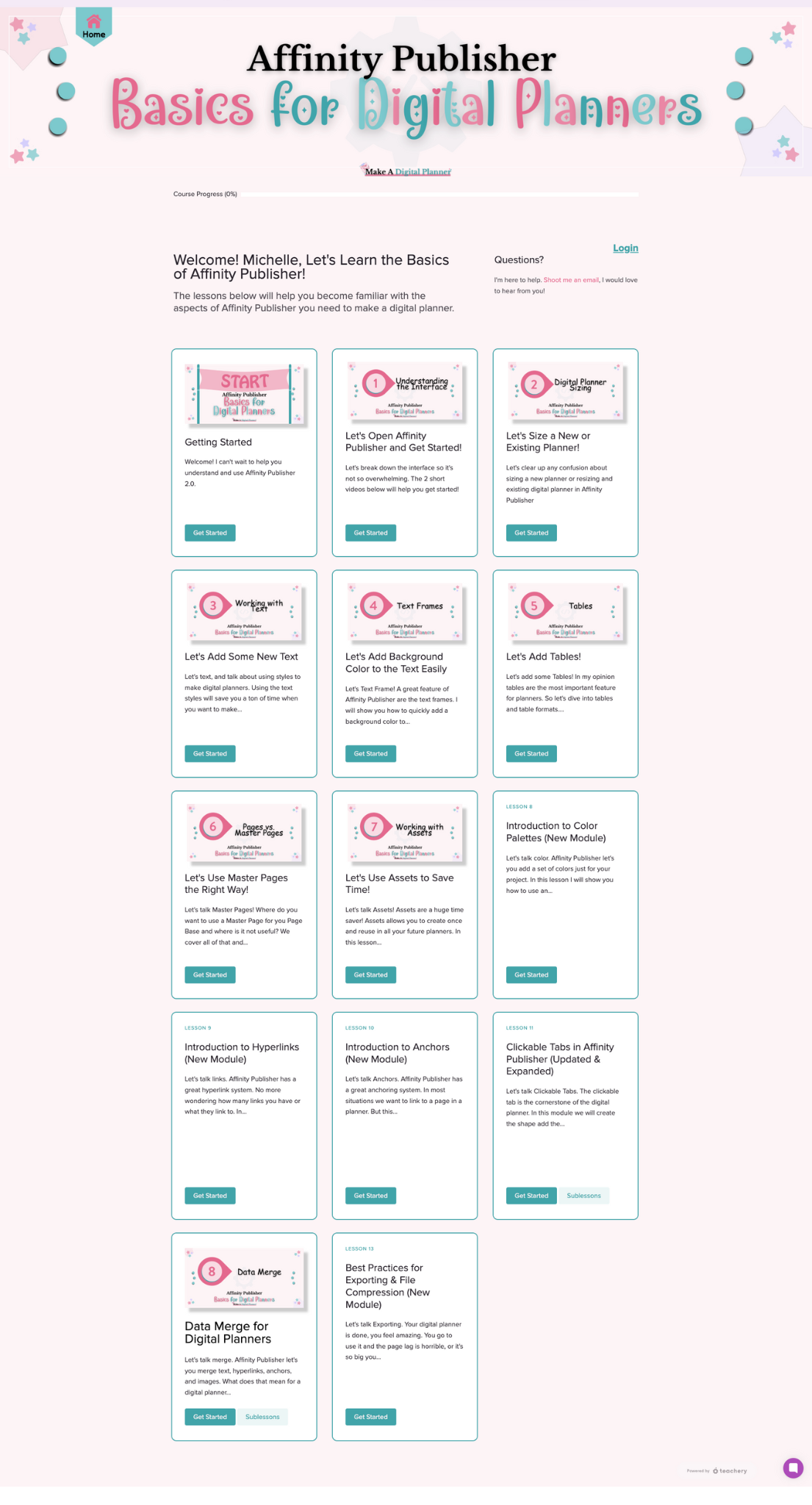
13 Comprehensive Video Lessons 

  • Understand the interface
  • Sizing your digital planner
  • Working with text
  • Using Text Frames
  • All about Tables
  • Pages vs Master Pages
  • Working with Assets
  • Introduction to Color Palettes (New Module)
  • Introduction to Hyperlinks (New Module)
  • Introduction to Anchors (New Module)
  • Clickable Tabs in Affinity Publisher
  • Understanding Data Merge for Planners
  • Best Practices for Exporting & File Compression (New Module)
See Inside 👇